

Restaurant Management System
Built for Fine Dining
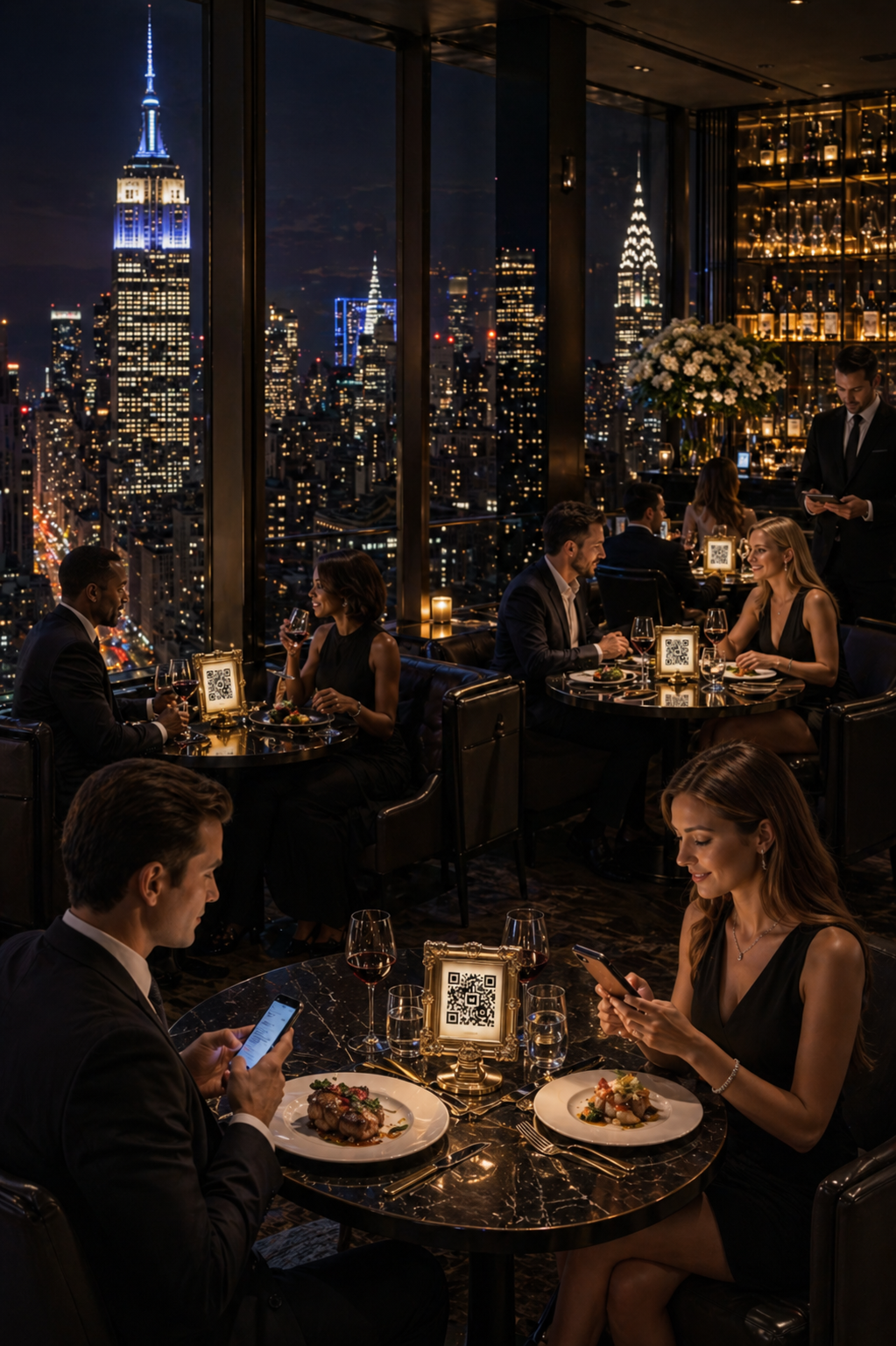
Table Ordering System
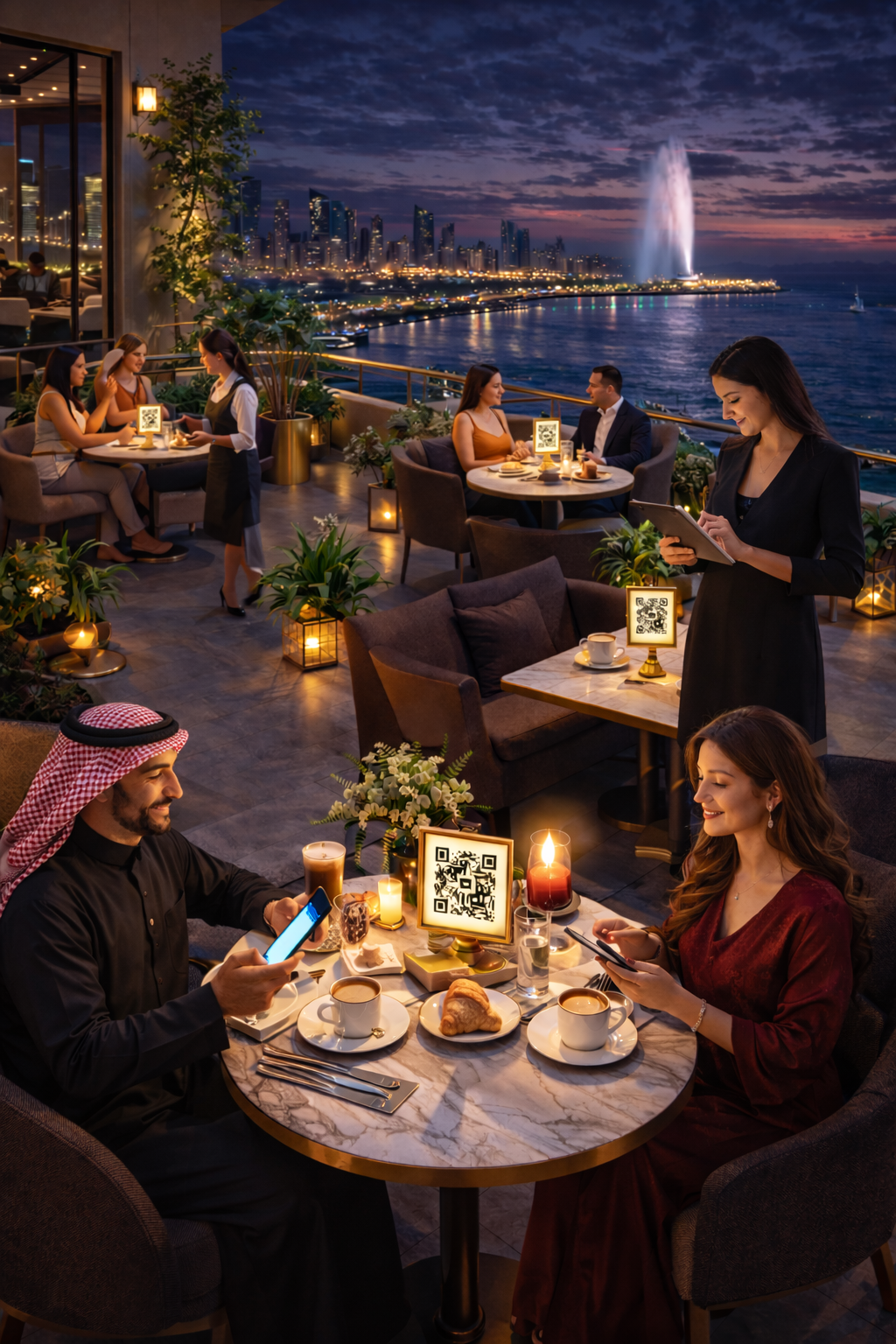
Guests scan and order; staff focus on service, not taking orders.
E-Menu
Guests can view e-menu when visiting the website directly or through Google Maps.
Reservations System
Automate online reservations 24/7. Manage reservations in real-time.
Admin Dashboards
Streamline customers' orders and reservations into robust dashboards to manage them with ease.
Guest-Centric Design
We design for the luxury experience first - ensuring technology feels intuitive for diners and staff
No App Downloads
Guest scan & order in 30 seconds. Compatible with all devices

GDPR/PDPL
Compliant

24/7 Technical
Support

Compatible
with All Devices
Blend Tradition with Seamless Table Ordering
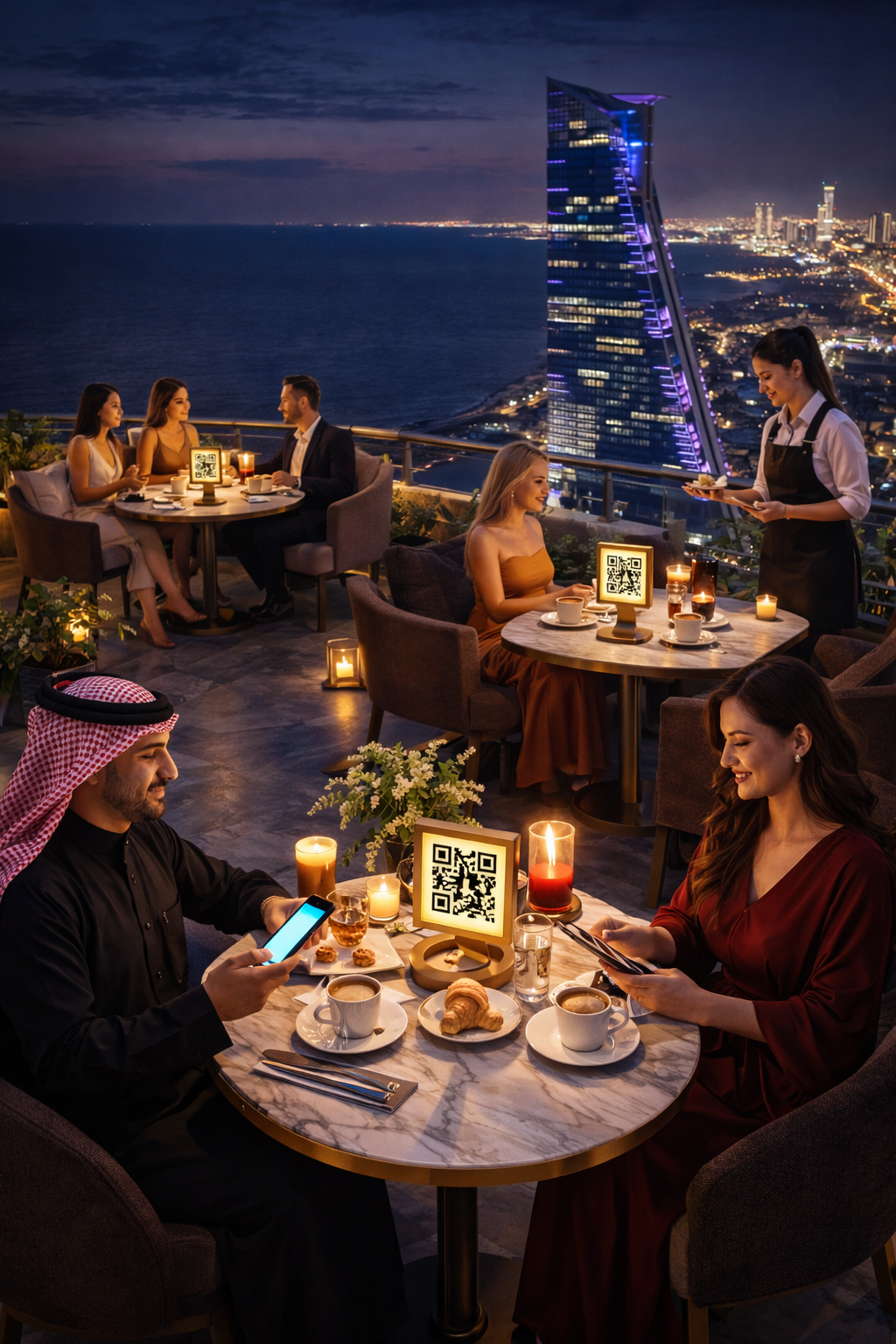
Table Ordering
Guests order from table by scanning QR code (No registration required, No app downloads)
Orders Management
Dashboards display orders by table number. Allergens alert is displayed with order notes. Easily manage orders with one click.
Kitchen Display
A dedicated dashboard to display active orders in real-time.
Tables Management
Manage restaurant's tables (Add, edit, or delete). Toggle table status (Activate or deactivate)
Sales Analytics
A dedicated dashboard with summary cards to display key insights.
Blend Technology with Dynamic E-Menu
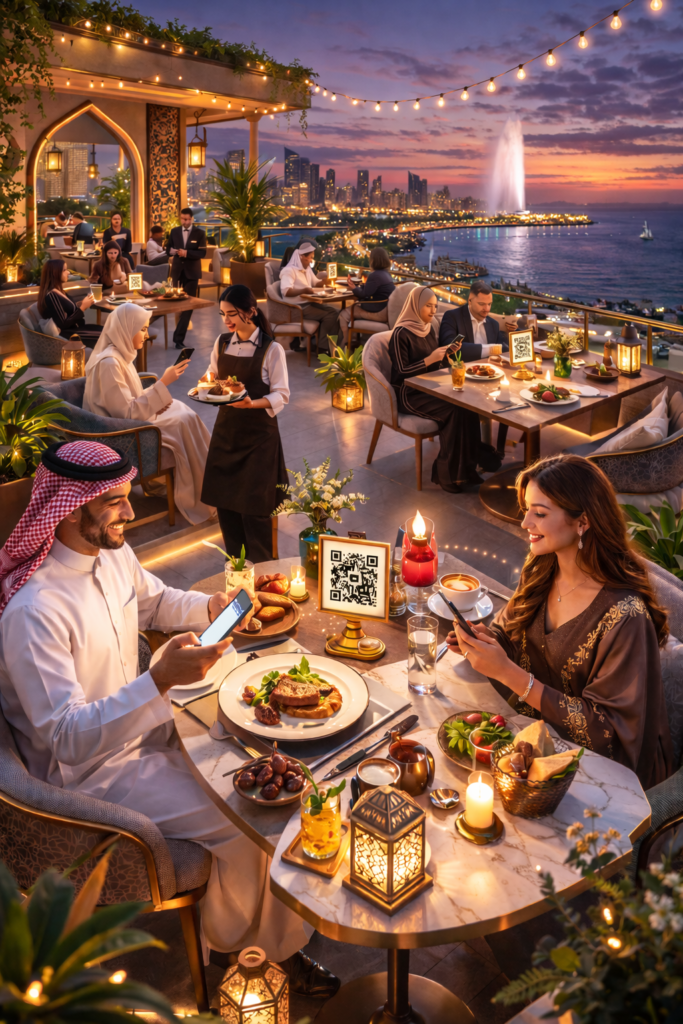
E-Menu
Guests view e-menu online. E-menu is categorized for easy viewing.
Menu Management
Customizable menu (layout, colors, and contents). Add videos to your products.
Allergens Management
Activate the allergens related to your menu. Assign allergens to menu items. Customize how to display allergens in the menu.
Menu Dashboard
A dedicated dashboard to display categories, menu items, and popular items.
Robust Reservations System
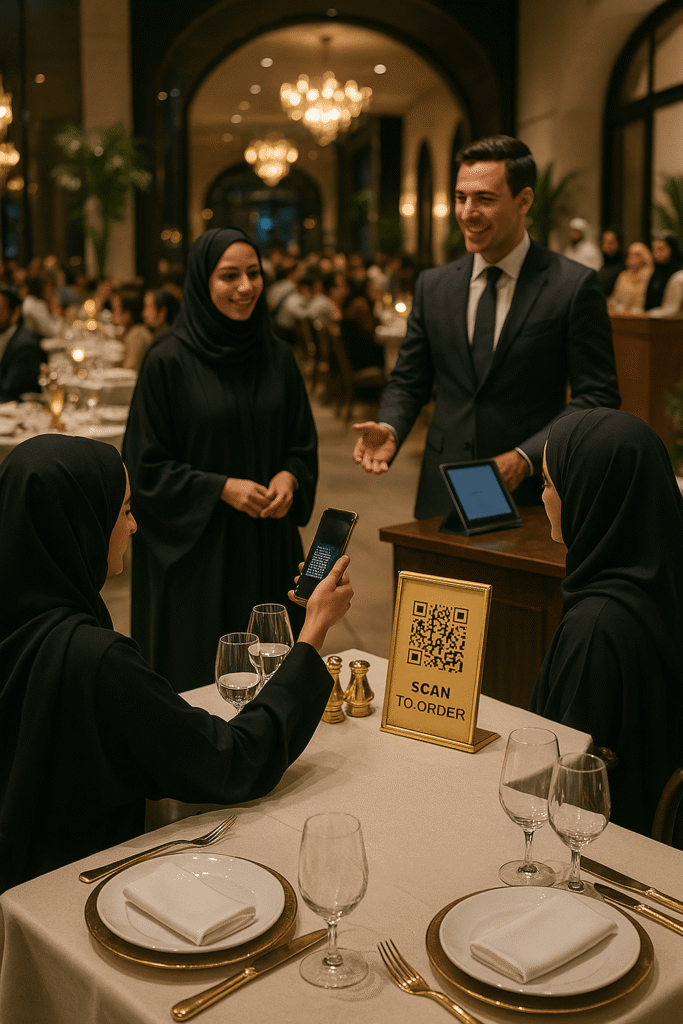
Reservation Form
Guests fill reservation form online. Guests can select table location, add special request and add notes. Consent must be provided to complete a reservation.
Reservations Dashboard
A dedicated dashboard to manage reservations in real-time with quick action buttons.
Instant Notifications
Admin received notifications for new reservations. Guests receive notifications when reservations are confirmed.
Reservations Settings
Manage reservation policy, and terms & conditions. Customize seat capacity, duration, guests, opening and closing hours, and table locations.
Elevate Fine Dining in Saudi Arabia
Customize your Plan
Prices start from
SR200/month
- Monthly or annual subscriptions
- 0% commission fee
- Free Trainings
Faq
QR & Tablet Ordering
Frequently Asked Questions
If you have more questions, please contact us. We are always here to listen to you!
How does ordering work?
QR Code Option:
Guests scan the table’s unique QR code with their phone → Browse the menu → Order → Pay in-person (cash/card/e-wallet). Orders are streamlined to the cashier with the table number.
Tablet Option:
Restaurants provide locked tablets on tables → Guests order directly → Pay staff afterward.
No registration or personal data required for either option.
Do guests need to register or share personal information to order?
No. Guests can order directly by scanning the QR code — no login, no registration, and no personal data required.
PDPL-compliant: Zero guest data storage (even for tablet users).
How does the payment work?
Payments are completed inside the restaurant using cash, credit/debit cards, or e-wallets.
💡 This system does not include online payment. All transactions happen in-restaurant
How are orders managed?
Every order is automatically sent to the cashier control panel along with the table number, making the process fast and error-free. There is also a real-time alert for new orders.
How is the QR ordering system set up?
Each table will have a unique QR code. Guests simply scan the code with their own phone to browse the menu, place an order, and check out.
What are the tablet ordering options?
Restaurants can choose one of the following setups:
- Table-Specific Tablets
Place a dedicated tablet on each table, just like a QR code — customers order directly from the device.
- Shared Tablets for Staff Use
Use one or more tablets with a special screen that shows all tables. Waitstaff selects the table number and hands the tablet to that table for ordering.
Can we use both QR codes and tablets?
Yes! Both options can be used in your restaurant:
- Use tablets for dine-in (luxury experience)
- Keep QR codes for outdoor seating (no tablet theft risk)
Can this replace my POS system?
No. This system is not a POS replacement, but an additional tool to:
- Reduce order errors (no handwriting)
- Improve efficiency
- Reduce pressure on staff (Freeing staff to focus on service)
- Elevate the dining experience
What are the benefits for the restaurant?
- Reduced pressure on waitstaff
- Faster order handling
- Fewer errors
- Modern, touch-free experience for guests
- No app downloads required
How do you prevent tablet misuse?
For tablets, we offer robust device-centric lockdown:
- Turn tablets into dedicated ordering terminal
- Enable kiosk mode (no web browsing, no apps usage)
- Lock screen with PIN in case of an attempt to exit kiosk mode.
What are the implementation options?
- QR-Only: Guests use phones (no hardware cost).
- Tablet-Only: Dedicated devices per table (+SAR 1,000/tablet).
- Hybrid: Best of both (e.g., tablets indoors + QR outdoors).